Skip to content

NzingaApp

Join, choose, record.Get paid.

The Nzinga phone app is where members record voice notes in their own languages and decide who can use each one.

39screens in the guide
6setup steps, once
5tab bar slots
4choices on every recording

Join

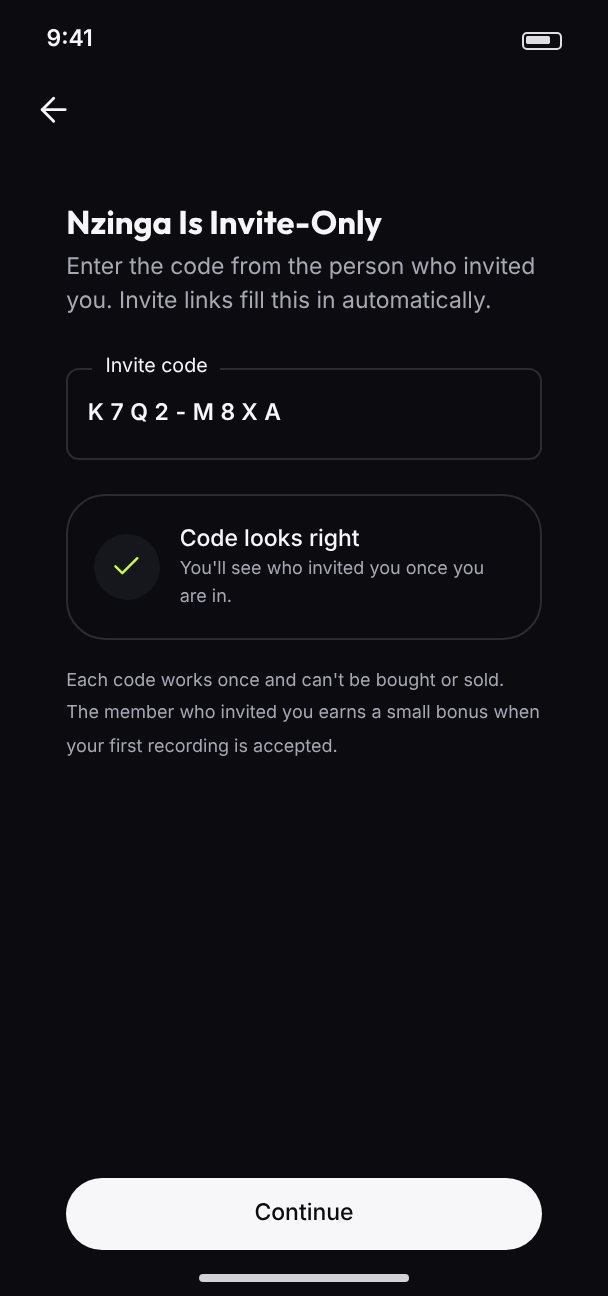
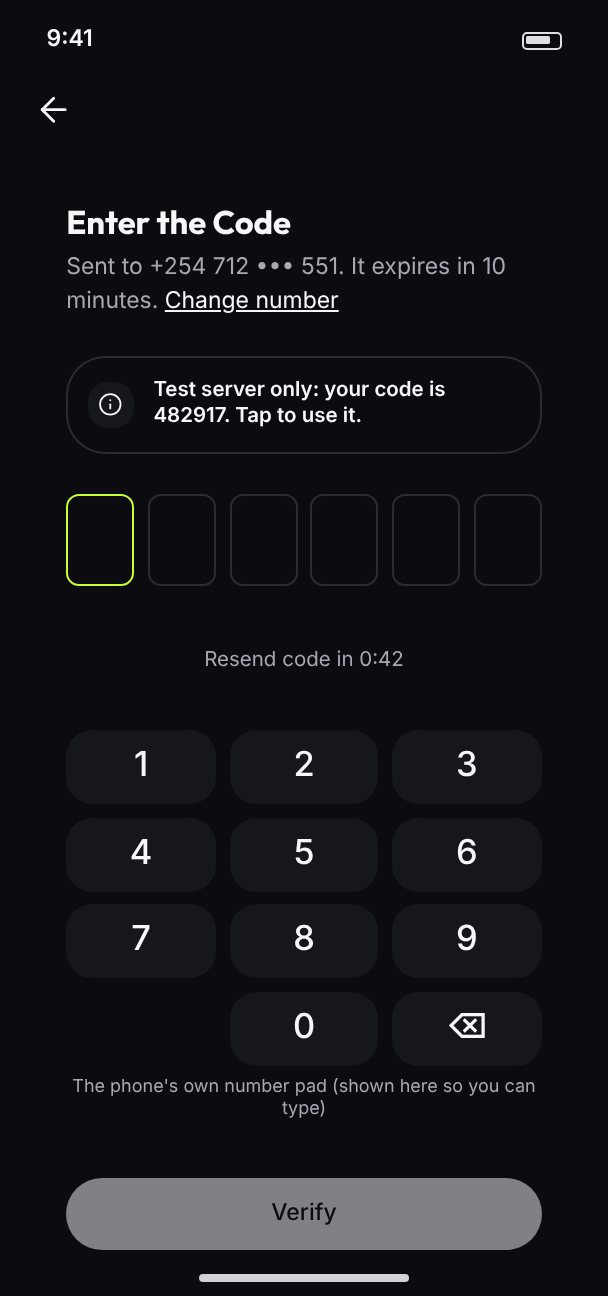
Members sign in with the phone number they already have, confirm it with a six-digit code, and join with an invite code from someone they know.
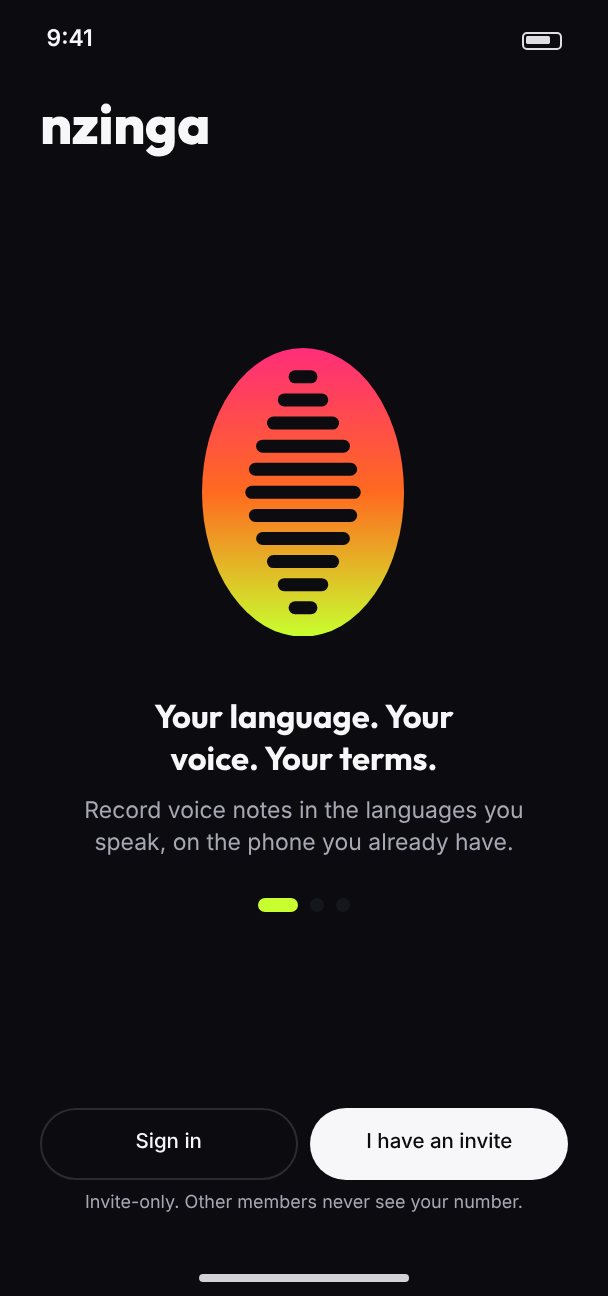
Welcome: the cowrie, Your language. Your voice. Your terms., Sign in and I have an invite
Welcome
Sign-in code: six boxes over a number pad
Sign-in code
Invite code: Nzinga is invite-only
Invite code

Consent

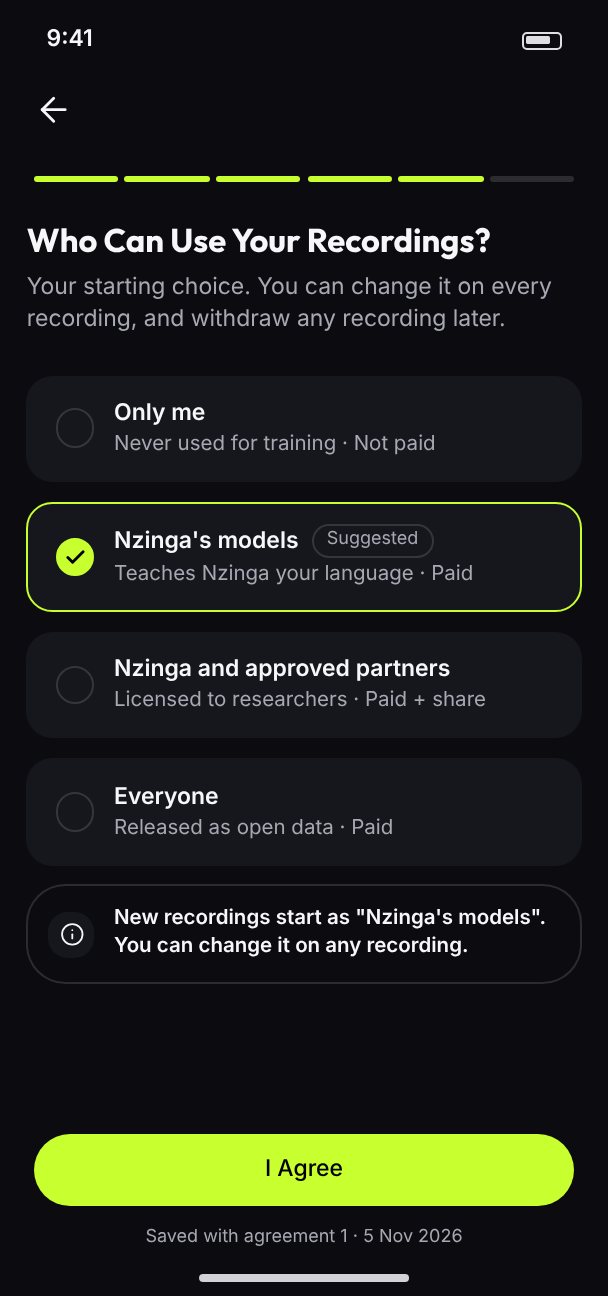
Setup takes six steps, once. Members read the agreement in sections, then make their starting choice of who can use their recordings. They can change it on any recording later.
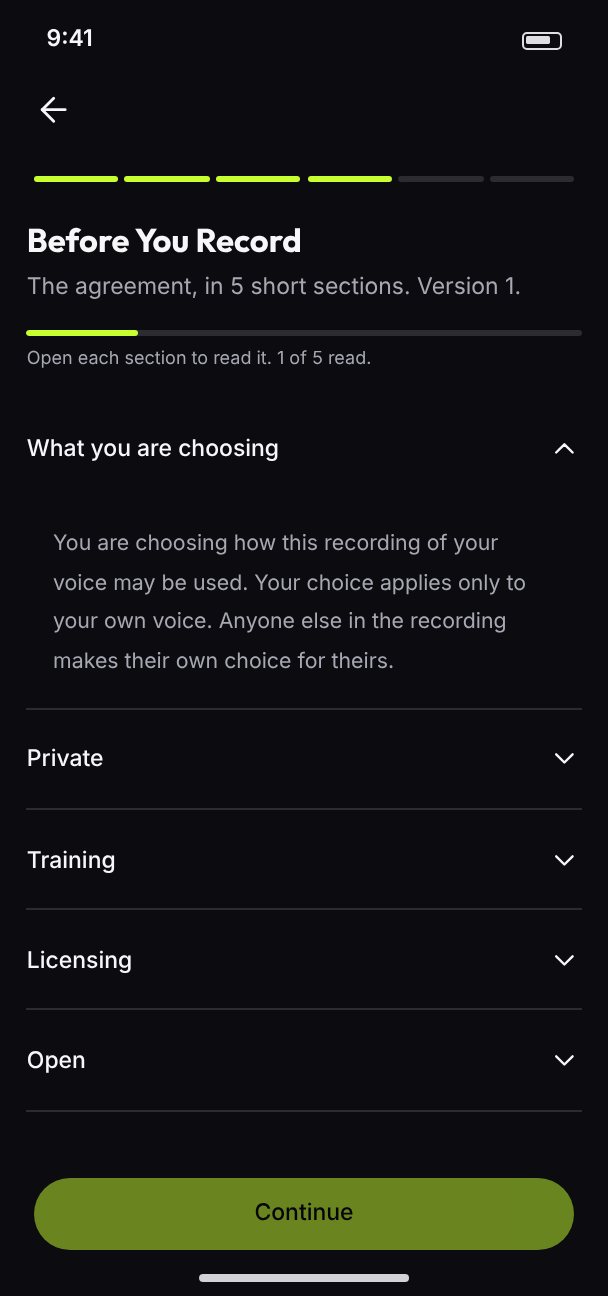
Read the agreement, in sections
The agreement
Who can use your recordings: the four choices, Nzinga's models suggested
The four choices
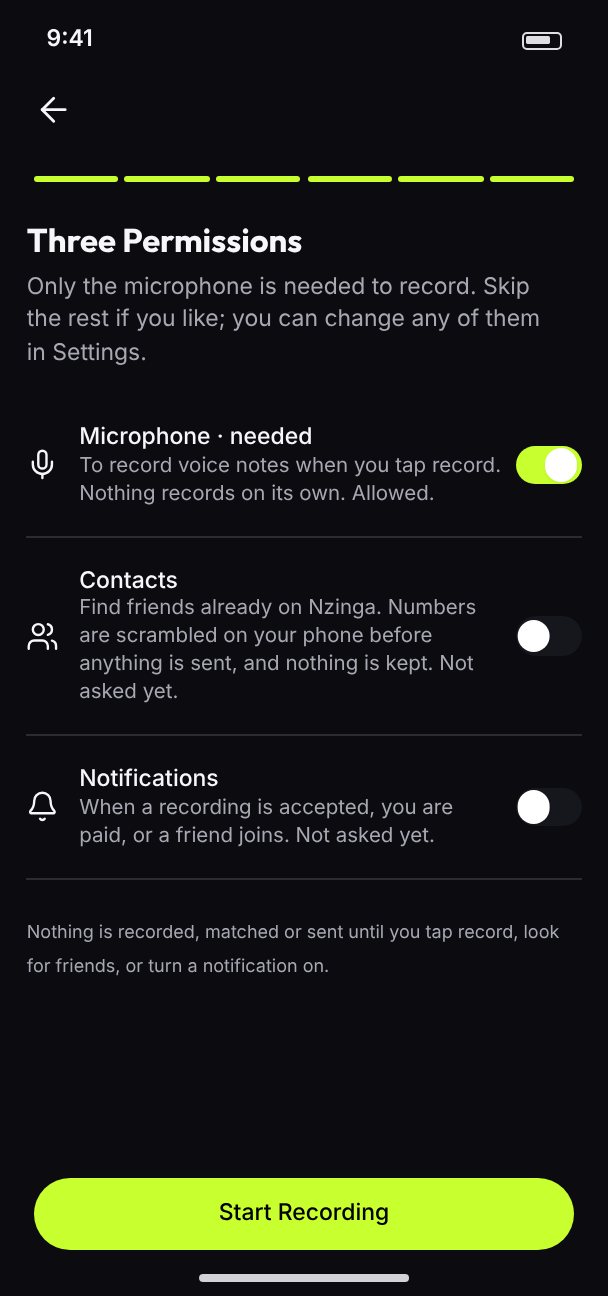
Permissions: microphone, contacts, notifications
Permissions

Record

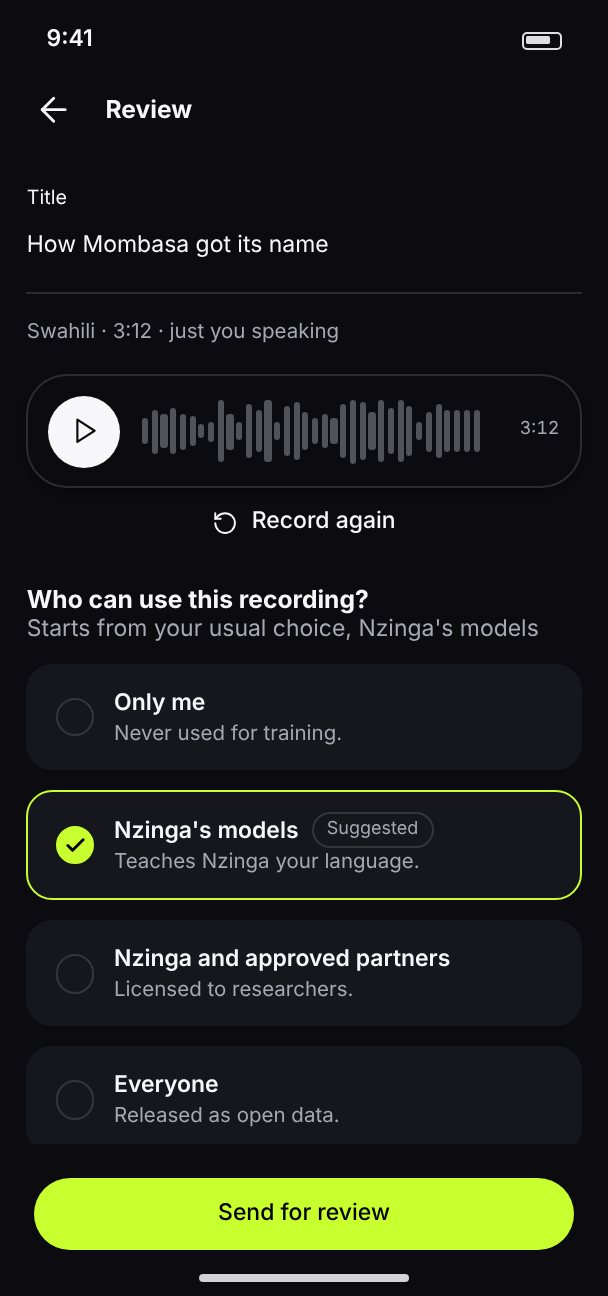
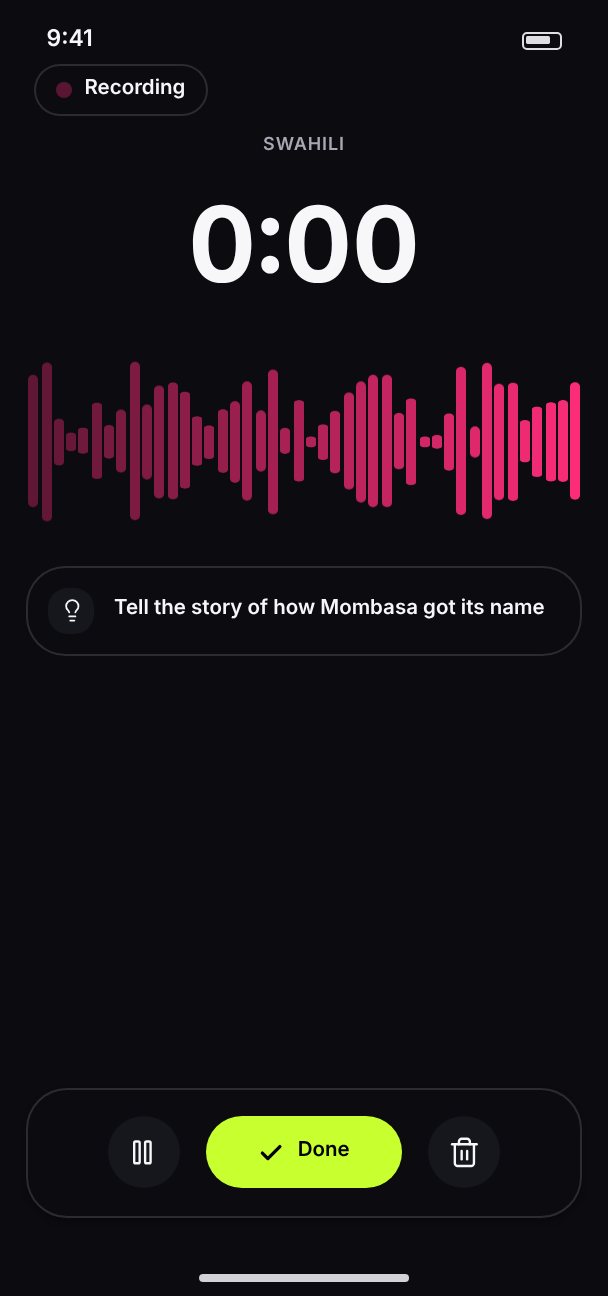
The Volt Record button sits in the centre of the tab bar. Members record with pause and discard, play it back, and choose who can use this recording before they send it for review.
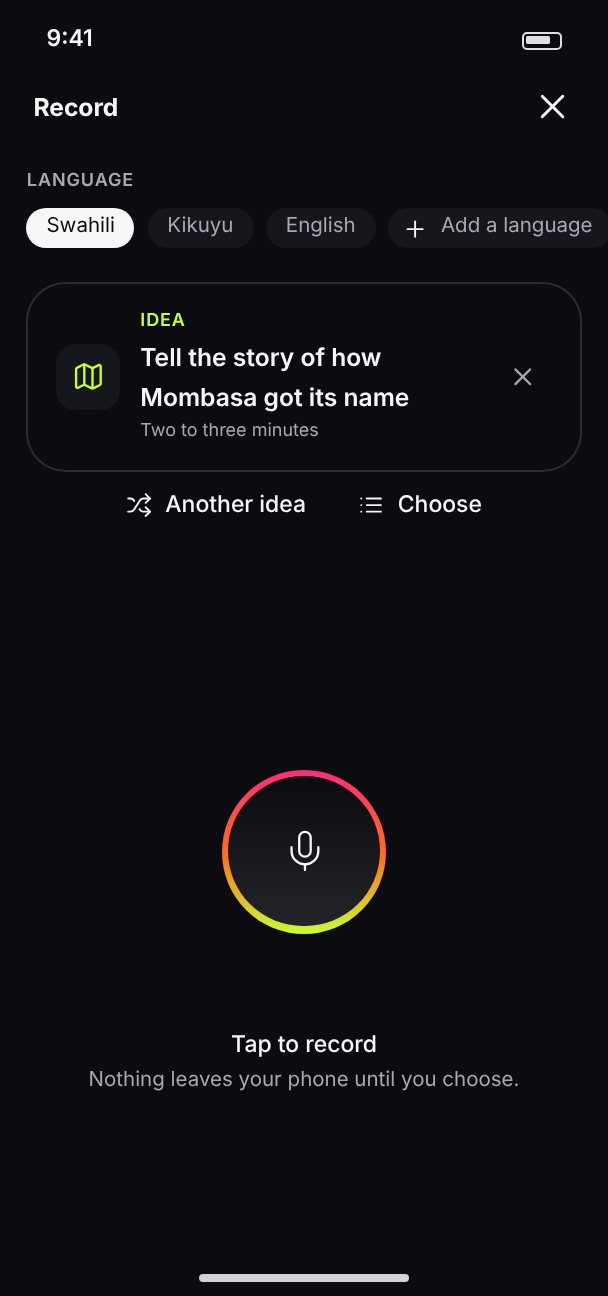
Record: language chips, today's idea, Tap to record
Record
Recording in progress
Recording
Review: playback and the choice for this recording
Review

Nothing leaves your phone until you choose.

The Record screen

Sessions

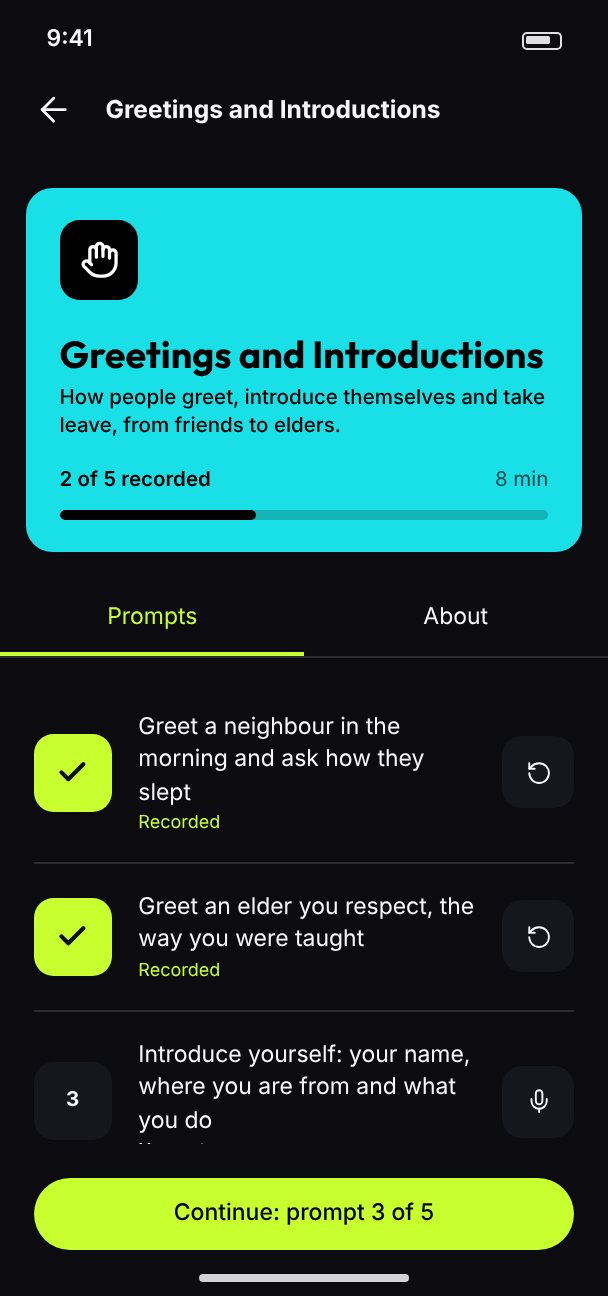
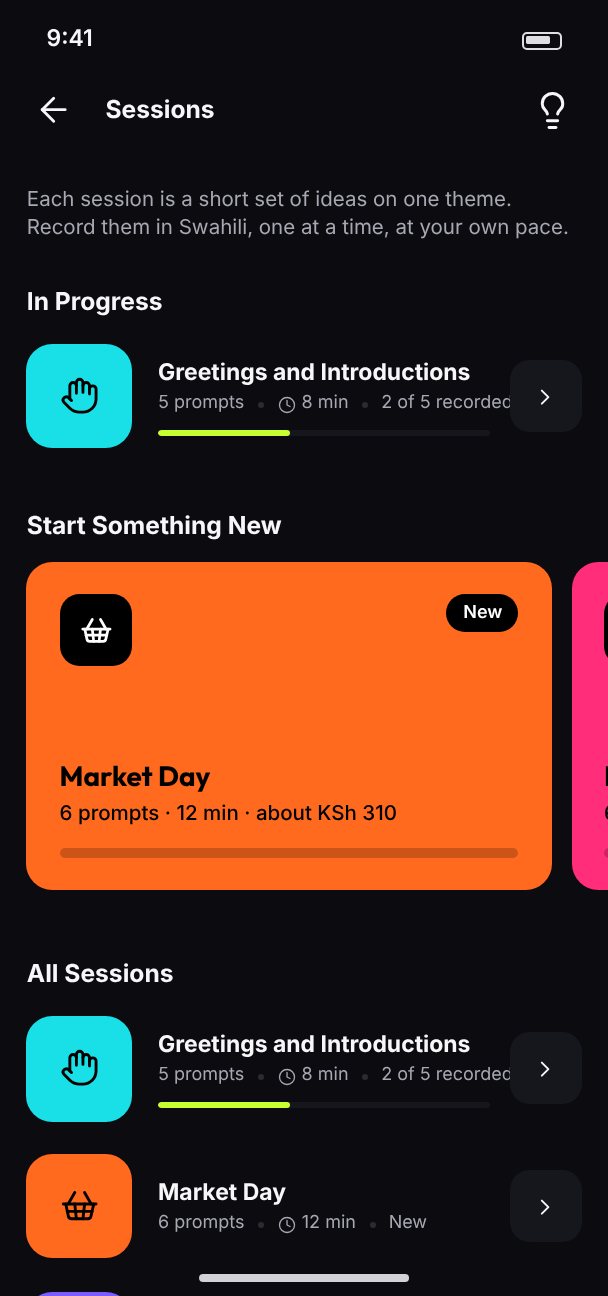
Home greets each member in their main language with this week's minutes and earnings and today's idea to record. Guided sessions are short themed sets of prompts, with progress.
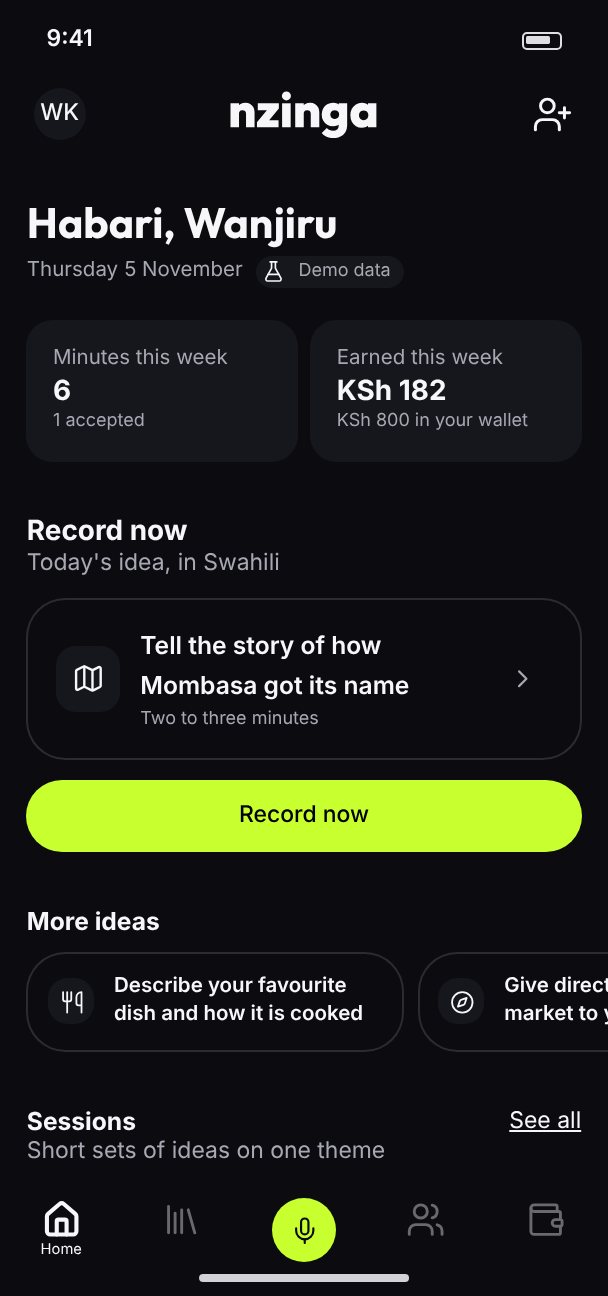
Home: Habari greeting, minutes and earnings this week, Record now
Home
Sessions: in progress and new
Sessions
A session with its prompts
Session

Wallet

The wallet shows the available balance, weekly earnings, pending and paid, and every transaction. Payouts take four steps. They are kept on the phone until payouts through a payment partner are built.
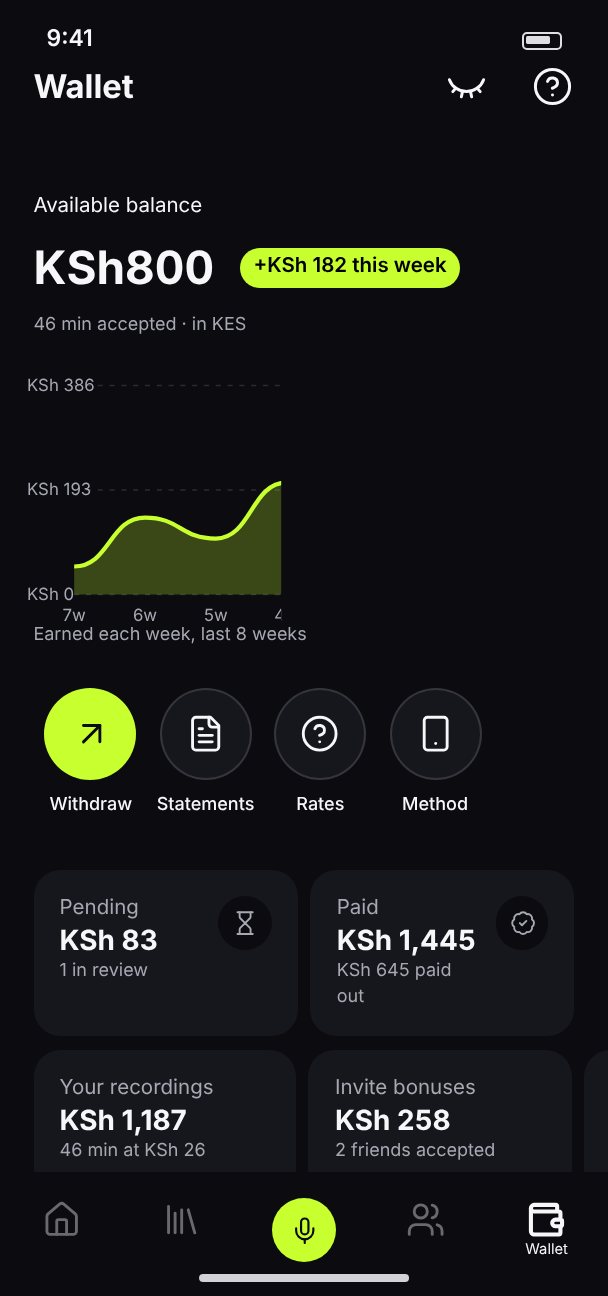
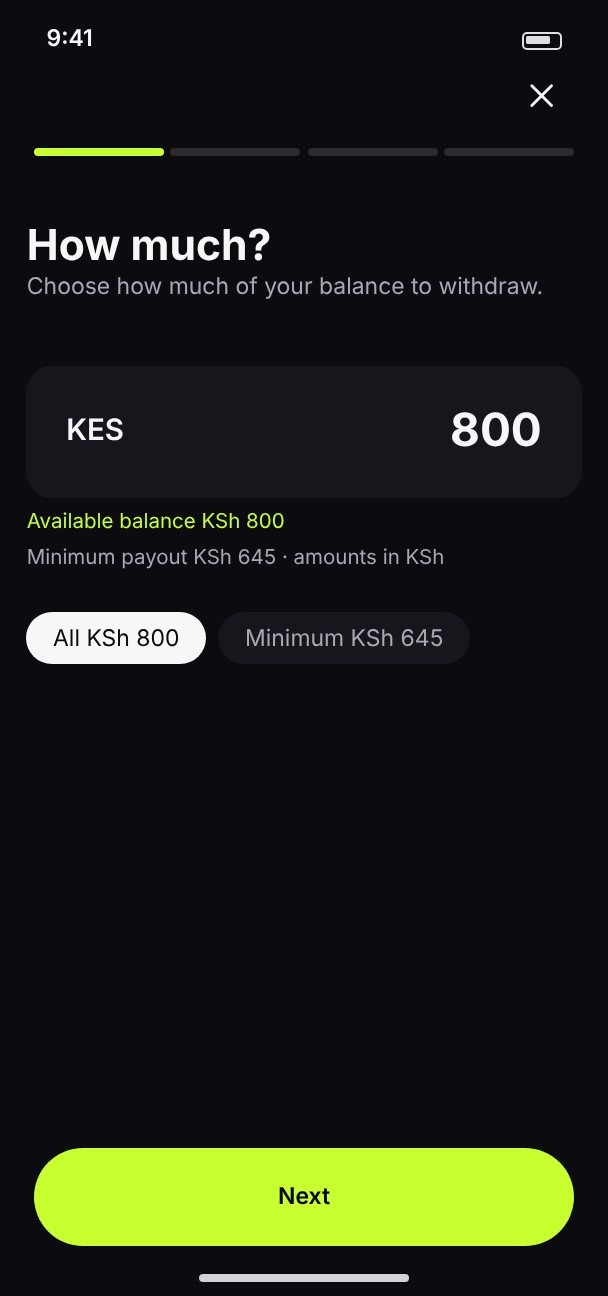
Wallet: balance, weekly chart, pending and paid
Wallet
Payout: choose the amount
Payout
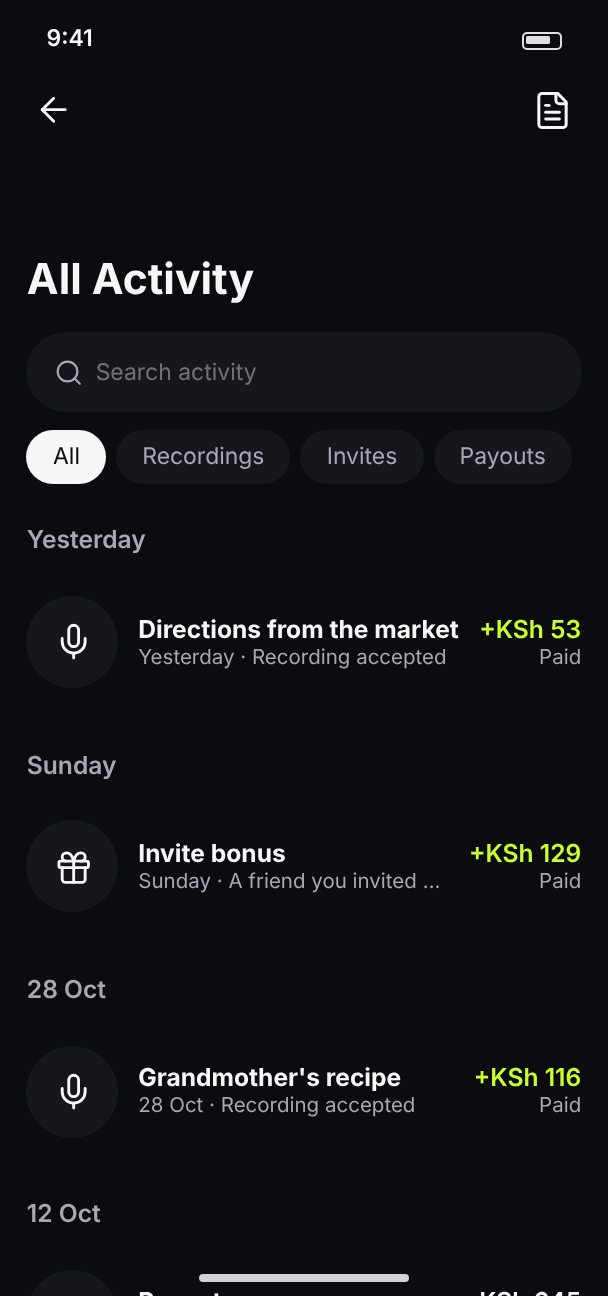
All activity
All activity

Every recording,from review to paid.

Live in the screen guide

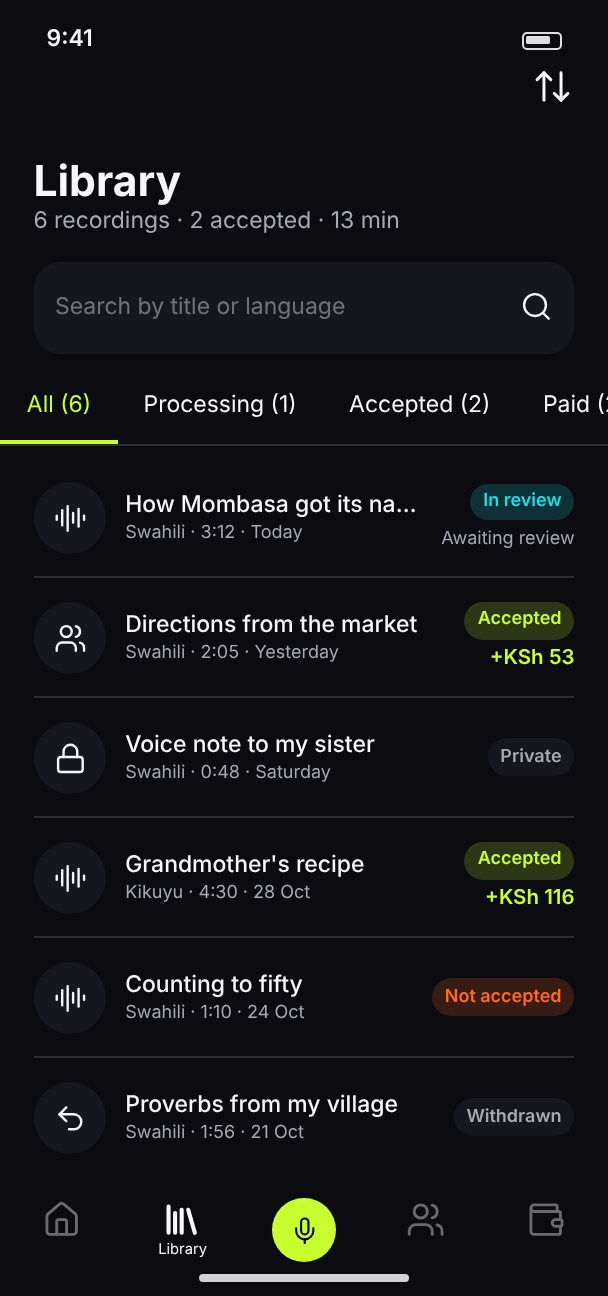
Library

Library: recordings by status
Processing, accepted, paid, rejected

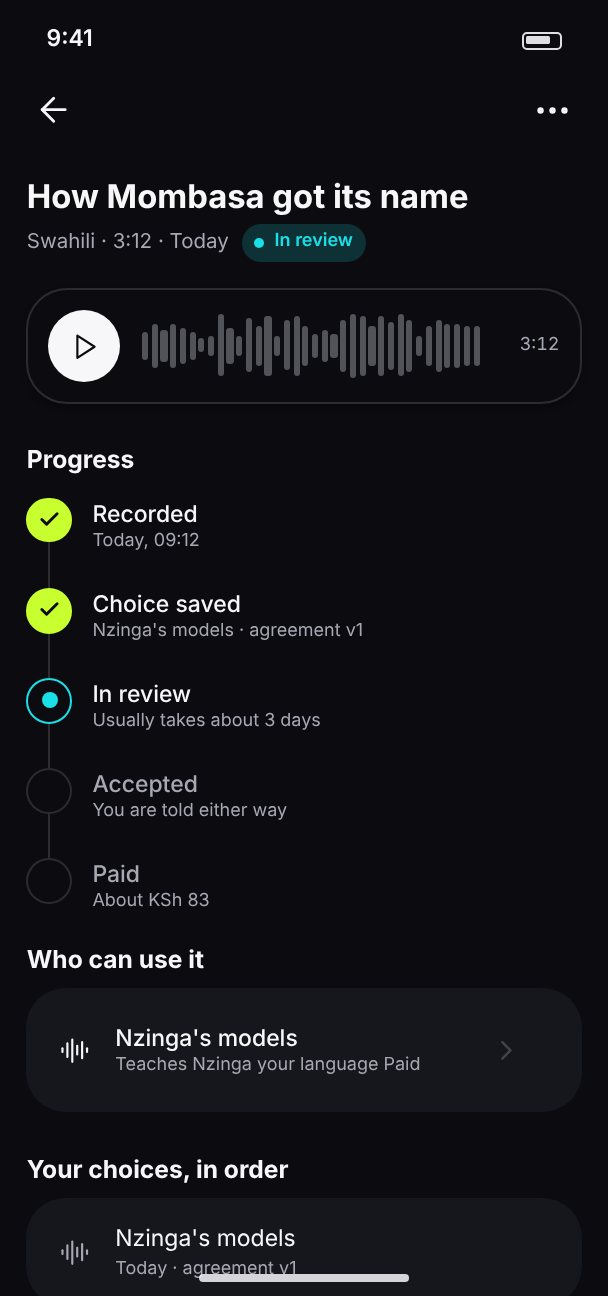
Recording detail

Recording detail: progress timeline and choice history
Timeline, choices, withdraw

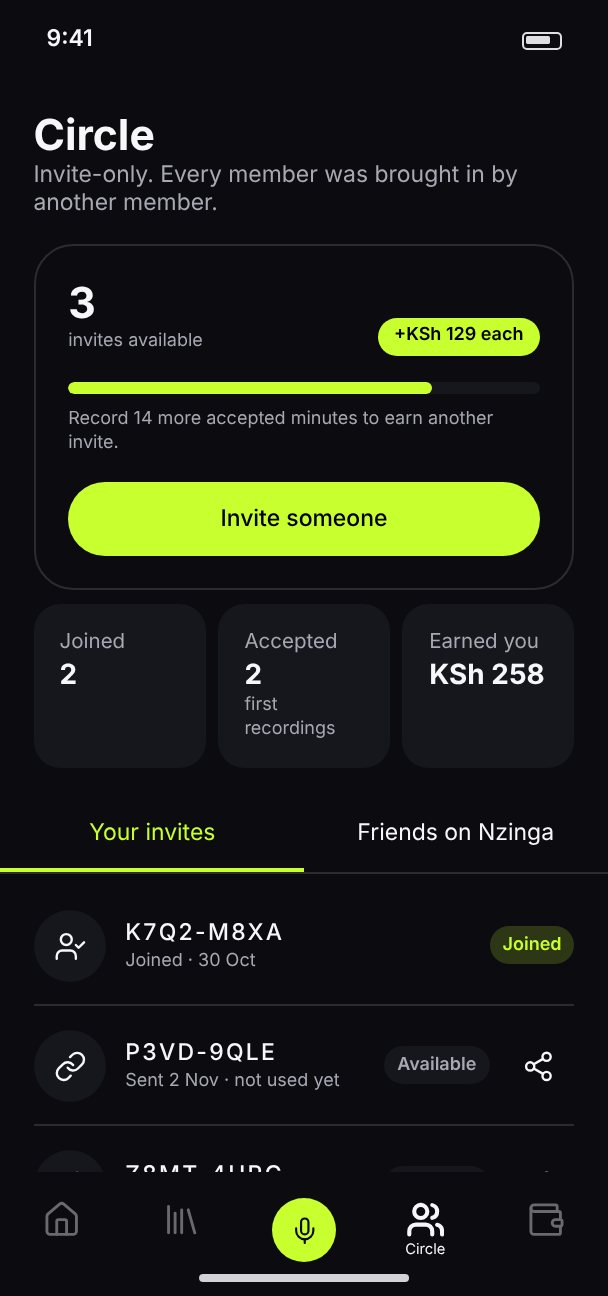
Circle

Circle: invites and progress to the next invite
Invites and friends on Nzinga

Screen guide

Every screen,live and clickable.

Walk through the app in the browser, in light or dark.